Make routine work actually happen
Intake, matter opening, engagement steps, file setup, follow-ups, and reminders should run consistently instead of sinking to the bottom of the list.
7/12 forms · 6/6 usable call summaries · 9/9 debriefsThree-minute private beta video
The audience is mostly solo and very small firms. They already know AI can draft. Show the outcome first: Referent turns intake and scattered firm context into controlled work, without taking professional judgment away from the lawyer.
The strongest shared trait is not a practice area. It is an owner-operator carrying legal work and firm operations at the same time.
Knows every matter personally, but intake, follow-up, billing prep, and filing keep slipping.
Wants more capacity without hiring an admin layer. Usually decides and pays directly.
Has tried generic AI. Wants reliable execution, source context, boundaries, and a human to call.
The richer interviews repeat the same jobs. The wording changes; the operational shape barely does.
Intake, matter opening, engagement steps, file setup, follow-ups, and reminders should run consistently instead of sinking to the bottom of the list.
7/12 forms · 6/6 usable call summaries · 9/9 debriefsEmail, documents, notes, tasks, calendar, and current matter status should stop living across disconnected tabs and personal memory.
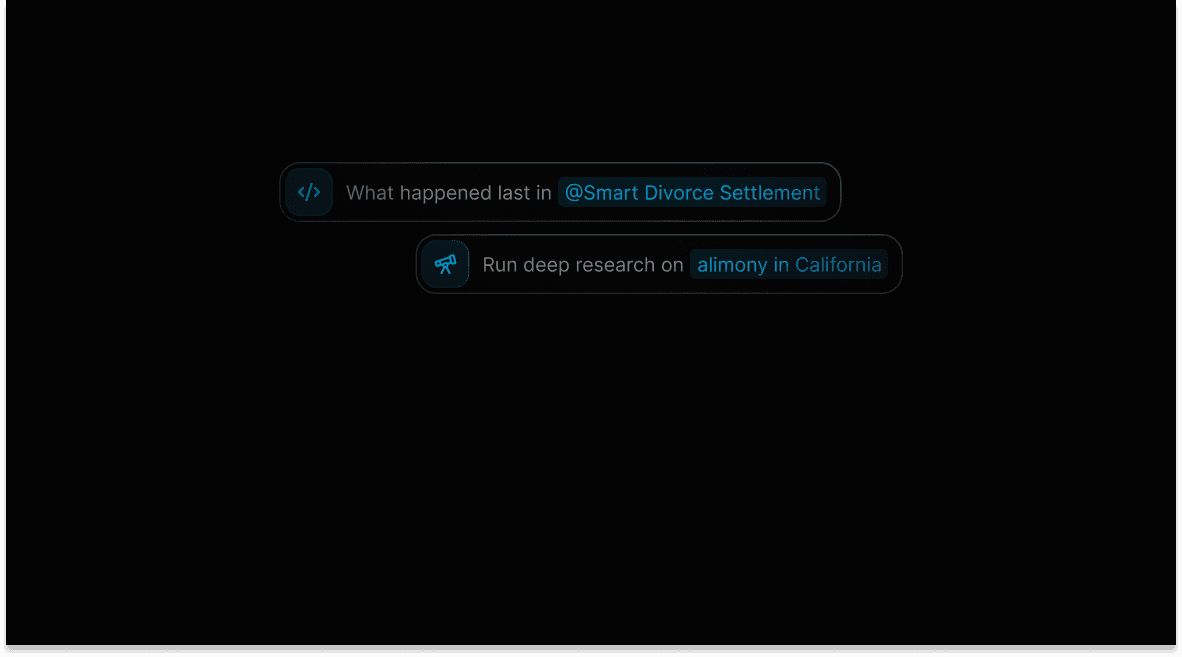
5/6 call summaries · 6/9 debriefsLawyers ask for overdue work, deadlines, missing follow-ups, and a quick answer to “what happened last?”
6/6 call summaries · 8/9 debriefsMatter-specific context, editable drafts, privacy controls, source-linked summaries, audit history, and approval before client-facing action are trust requirements, not polish.
11 forms with trust answers · editability led at 7/11They ask for a real demo, supported integrations, clear beta scope, price-to-value, and a believable first result—not another subscription that adds manual sync.
Demo/scope: 3/6 call summaries · 3/9 debriefsPhone calls, in-person meetings, billing systems, complex client relationships, and custom workflows are expansion asks. They are confirmed, but not a single universal request.
Medium confidence · several are not complete todayThe video should stay on the green path. Mention the gaps only if asked; do not sell roadmap as product.
Verified against the current checked-out application code, including UI plus API/service or registered agent-tool paths. Rehearse every step in the target demo workspace before recording; code presence is not proof that each integration is enabled there. Phone-to-matter capture, in-person meeting capture, universal PMS migration, Outlook Calendar event sync, and every billing integration remain outside this demo promise.
Speak for roughly 2:20. Use about 35–55 seconds for clicks, loading, pauses, and product response time. Lead with the benefit; do not narrate every control.
Open on the outcome: less operational chaos and less admin stress—not another chatbot or a list of features.
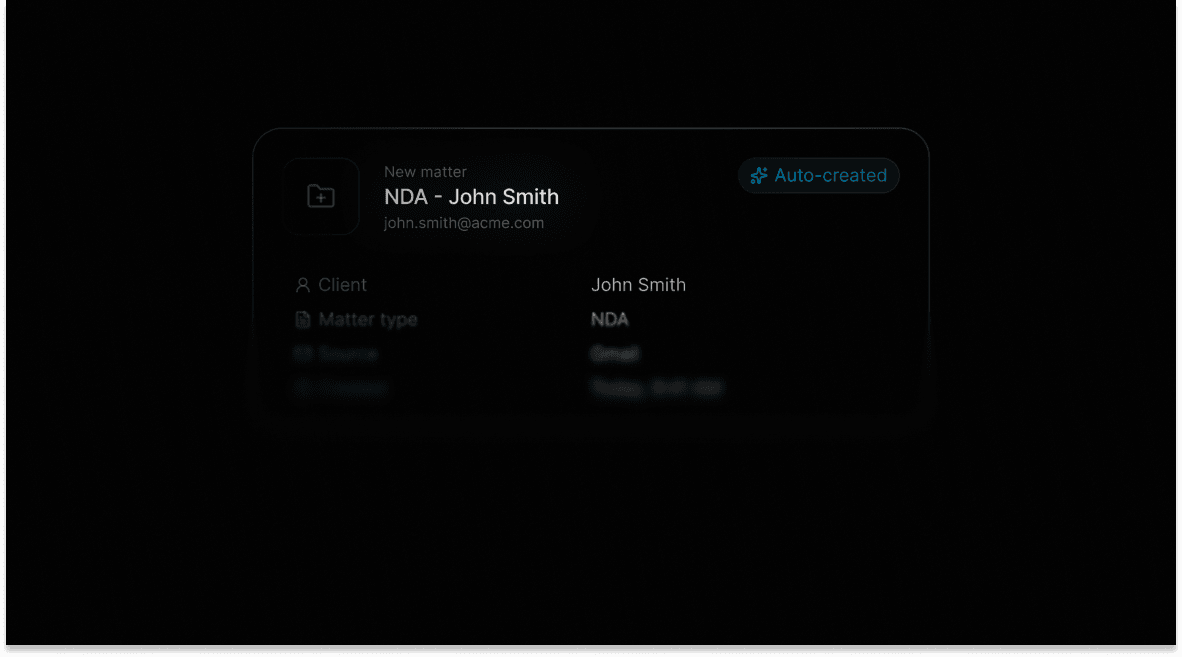
Connect email, calendar, and documents. Show organized client files and intake becoming the right matter.
Dashboard: overdue work, today, unlinked email, triage, schedule, time, and recent activity.
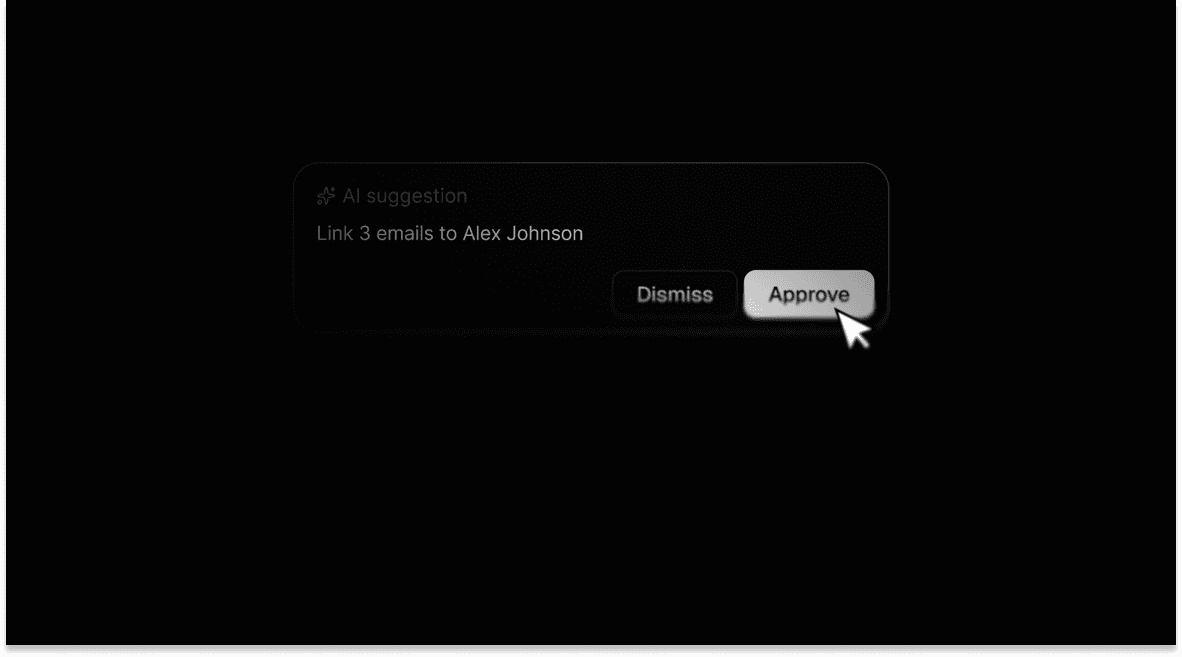
Inspect one source and one suggestion. Approve it or dismiss it. Make control visible instead of merely claiming it.
Show email, documents, tasks, calendar, notes, time, timeline, and State of Play together. Say what this prevents.
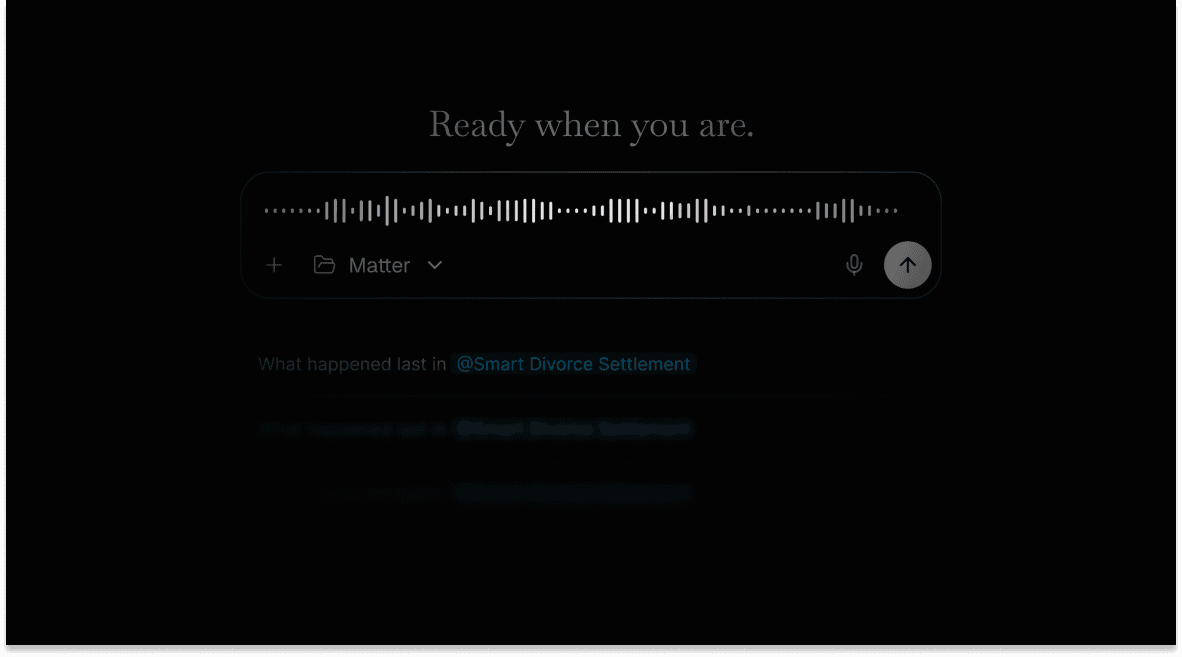
Ask one concrete matter question. If the voice timer is the cleaner rehearsed proof, substitute it here rather than adding another beat.
Invite warm beta users to bring the workflow that causes the most admin stress into onboarding.
304 spoken words: about 2:20 at 130 words per minute, leaving roughly 35–55 seconds for clicks, pauses, and product response time.
Small firms do not need another chatbot. They need fewer dropped balls. Intake, email, deadlines, documents, and time live in different places, while the lawyer carries the real status of the firm in their head. Referent turns that operational chaos into one controlled workflow.
Referent connects to the email, calendar, and documents the firm already uses. During onboarding, it builds clients and matters from the context already there. Instead of retyping the practice into a blank CRM, you start with organized client files and an intake flow that can turn incoming work into the right matter.
This dashboard answers the first question every morning: what needs my attention? I can see overdue work, today's tasks and schedule, unlinked email, triage, time, and recent activity without searching across tabs.
Here is one incoming item. Referent reads the source and suggests the next step: file it, create a matter, or turn an obligation into a task. I can inspect the source, choose the destination, approve it, or dismiss it. Nothing high-risk happens silently. AI prepares; the lawyer decides.
Now I will open one matter. Email, documents, tasks, calendar events, notes, time, and recent activity sit together. The State of Play and timeline show what changed and what comes next. The benefit is simple: less reconstruction, fewer missed follow-ups, and less administrative stress.
I can also ask, “What happened last in this matter, and what needs my attention next?” Referent answers from the firm's live context and prepares the next action—not conversation for its own sake, but useful work ready for review.
Referent is built for small firms that want more capacity without giving up professional judgment. If you are joining the private beta, bring the workflows that create the most admin stress. We will help you set up the first useful version with your firm.
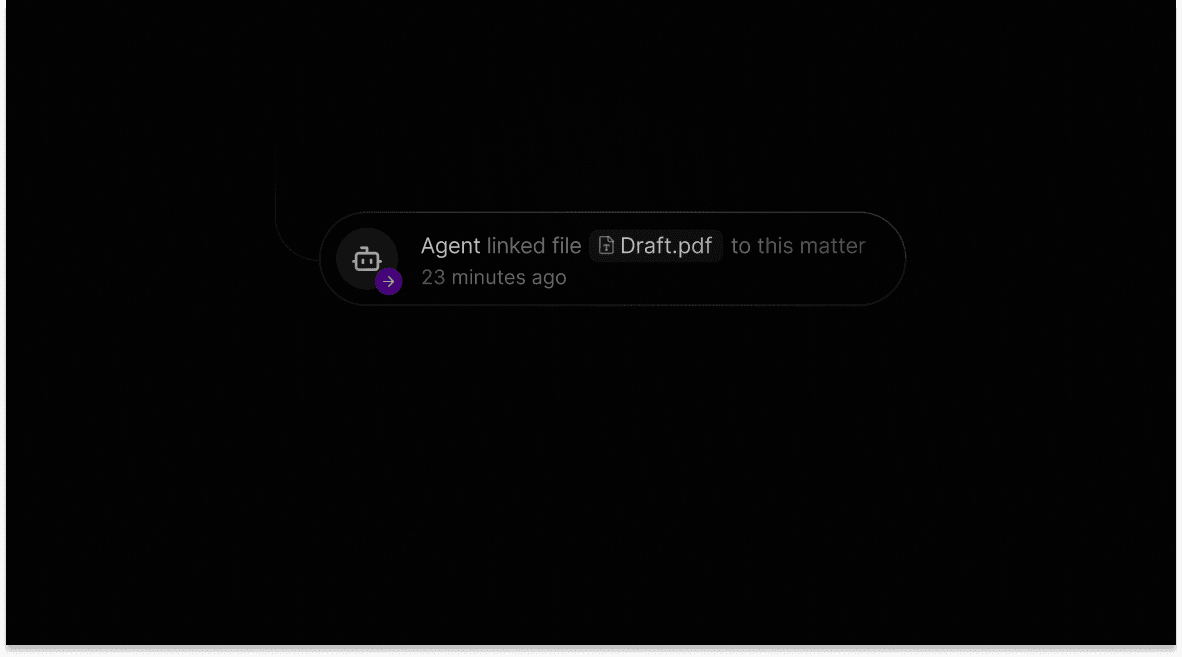
Use the real application for the recording. These existing brand images are composition references, not substitutes for a working demo.
Credibility comes from a narrow working path and clear boundaries, not from saying “AI” more often.